01
Upload an Image
Upload an image and draw lines directly on it with your mouse to split it into separate pieces.
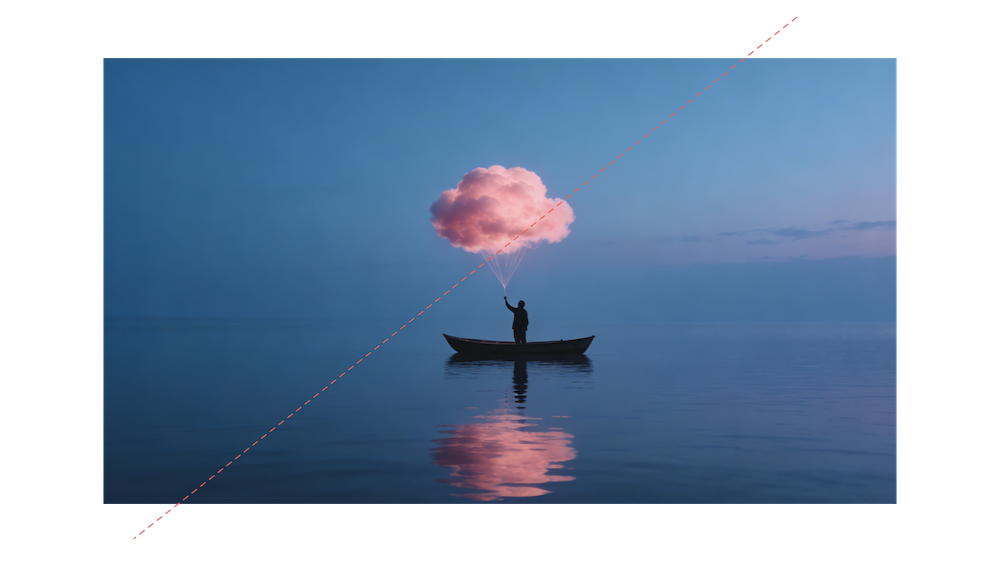
Upload an image and draw lines directly on it with your mouse to split it into separate pieces.
Select any piece to move it freely, or remove the parts you no longer need.
Arrange the remaining pieces the way you want, then export them as one complete image.
Upload your image, draw custom split lines around the unwanted area, remove it, then freely move the remaining parts into place and export them as one complete image.
Yes. ImageGrids supports flexible splitting and seamless stitching after removing unwanted sections.
Yes. Remove empty areas, reposition the remaining parts as needed, and export them as one complete image.